16+ Years of Tech Mastery Transforming Ideas into Market Ready Platforms | Discover More Trusted by 1000+ Startups & Enterprises Across 30+ Countries | Discover More
December 31, 2020

How to create a camera application in Android

Consult Our Experts

Clicking pictures is altogether a different yet interesting passion. If you have a zest for photography or clicking your own pictures and would want to share your unique photography skills with the world then consider investing in the development of a camera application in Android. You can start off by doing some research work and connecting with a professional and reliable enterprise app development company.

App Development Firms

If you are planning to build a camera app in android all by yourself then here is an easy tutorial for you to build one. Let’s take a look.

1Step 1

Prepare a project for android camera application tutorial- For this you will need to tap on android studio and open it. Once you have opened the android studio, work on building a new project and start finishing things for getting your MainActivity. Lastly, try and make your user interface look good.

2Step 2

Designing UI- You will be required to create a button and place it at the bottom of the Main Activity.

3Step 3

Add Font to the project- In the next step you will be required to get the font. You will be required to go to your project and create a folder and name it as ‘assets’. Now you can paste the fonts that you have recently downloaded.

4Step 4

Creating a Layout for Main Activity- Once you are done with the above mentioned steps, you will be required to proceed with the activity_main.xml and go to strings .xml file. Once it is done you can add the below-mentioned code

<string name=”camera_button”>&#xf030; Take Picture</string>

You will now need to focus on the initial value of the camera’s icon and proceed by creating a new xml file and name it as button.xml in your drawable folder. With this, you will now be done with the layout part.

5Step 5

Coding part- For conducting the coding part, tap on to the Mainacitvity.java file and initialize button and image view using onCreate method. You can proceed by setting TypeFace for the button and develop a new method for opening the camera. Now, you can proceed by clicking on to the button for conducting the open camera method. Once you are done with the afore-mentioned step, make sure you are adding an onClickListener to your button. Later you can proceed by overriding the onActivityResult method to source the image. You can now execute the project and make sure that you are using either a smart phone or a device that has an inbuilt camera for executing the project. Lastly you can download the source code for the android version of this camera application tutorial from the link below:

[easy_media_download url=”https://dl.dropboxusercontent.com/s/rm3kruvvpeha7n9/android-camera-app-tutorial.zip?dl=0″ text=”Download Source”]

If you want to take inspiration from the camera apps that are already available in the app market, make sure you choose the best. Let’s take a look at the best camera applications provided below:

1Google Camera Port:

This camera application is undoubtedly the best in the app market. It has the best features that are yet not offered by other camera applications. Users are improving the camera quality on other smart phones using the same application.

2A Better Camera:

This camera app has some exclusive features that totally justify its name. Users can select from a wide range of modes from night mode to burst mode to the removal of object and many more.

3Camera FV-5:

This application comes with innumerable manual controls such as exposure, focus, shutter speed and white balance. Users can shoot photos on this application in lossless PNG, RGB histogram and RAW.

4Camera MX:

It is one of the oldest camera apps yet it is the one that is most consistently updated. It has a simple interface and is very user-friendly too. Users can use this app for making GIFs and it comes with a smart built-in picture editor for ease of exporting to other applications.

Also Read, Future of Mobile App Development

Disclaimer

Social Media App Development company in UAE

Hire Our Development Experts.

    About Author


    Vinay Kumar is the brilliant mind behind the technology at Fluper, serving as the Chief Technology Officer. With a wealth of experience in software development and a passion for leveraging the latest technologies, Vinay drives the technical vision of Fluper's projects. His expertise in creating scalable and robust solutions ensures Fluper delivers best-in-class products exceeding client expectations.

    Vinay Kumar

    Our Blogs & Tech Events

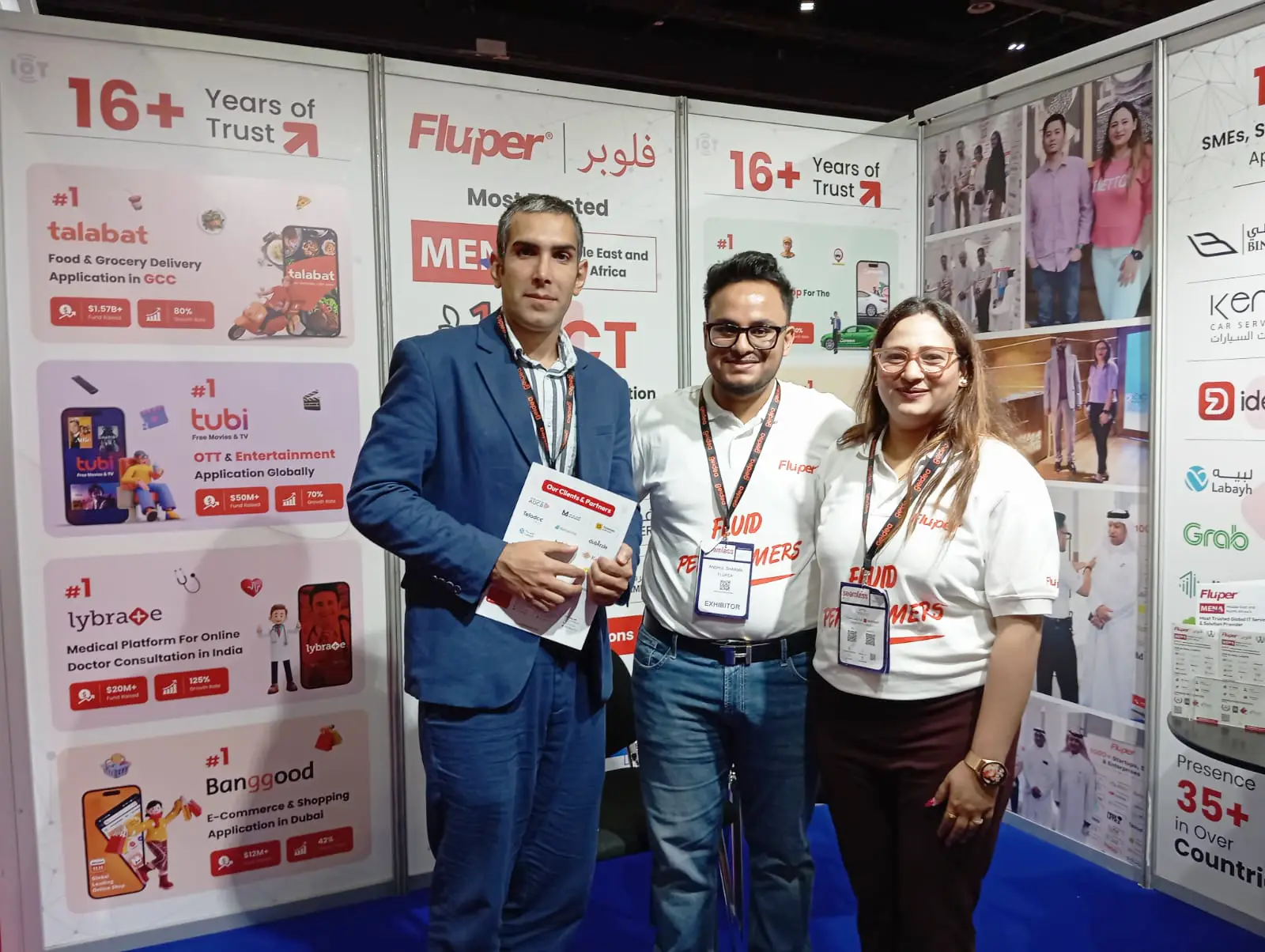
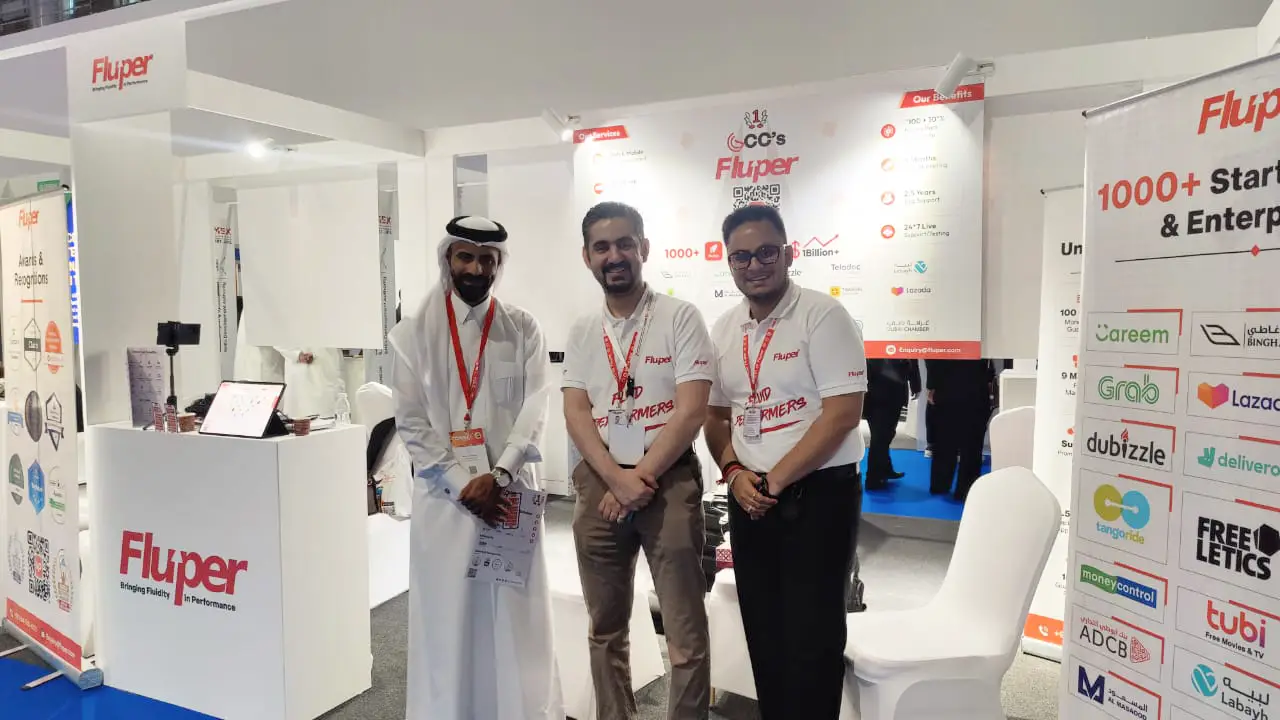
    Expanding Expertise via Global Mobile & Technology Conference Participation

    We attend leading mobile technology events worldwide, exploring innovations, networking with experts, and showcasing our development expertise.

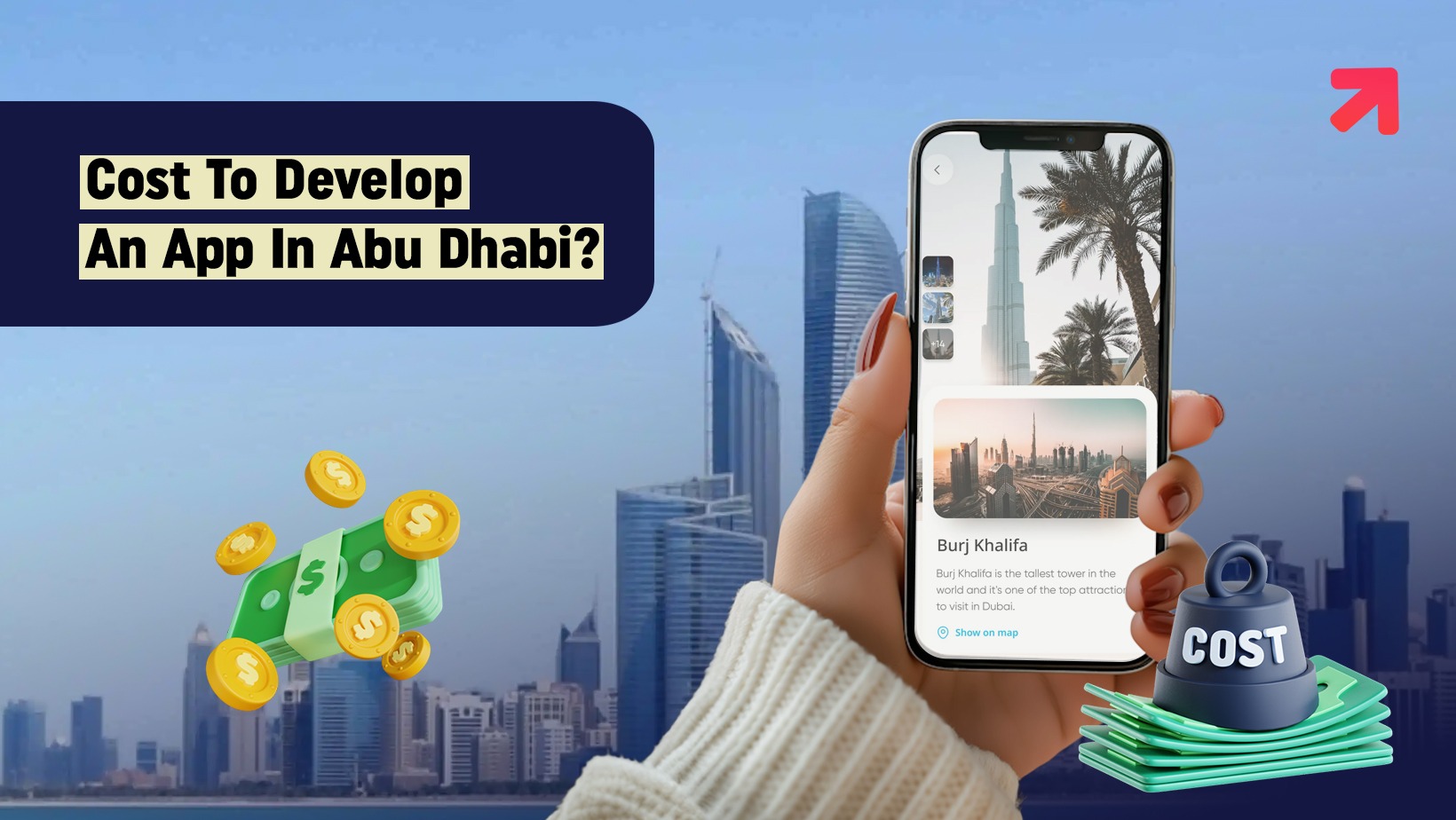
    How Much Does It Cost To Develop An App In Abu Dhabi?

    Mobile apps are vital for businesses in Abu Dhabi, helping customers shop, book services, pay, and connect easily via smartphones.

    • February 16, 2026
    • By : Fluper Team

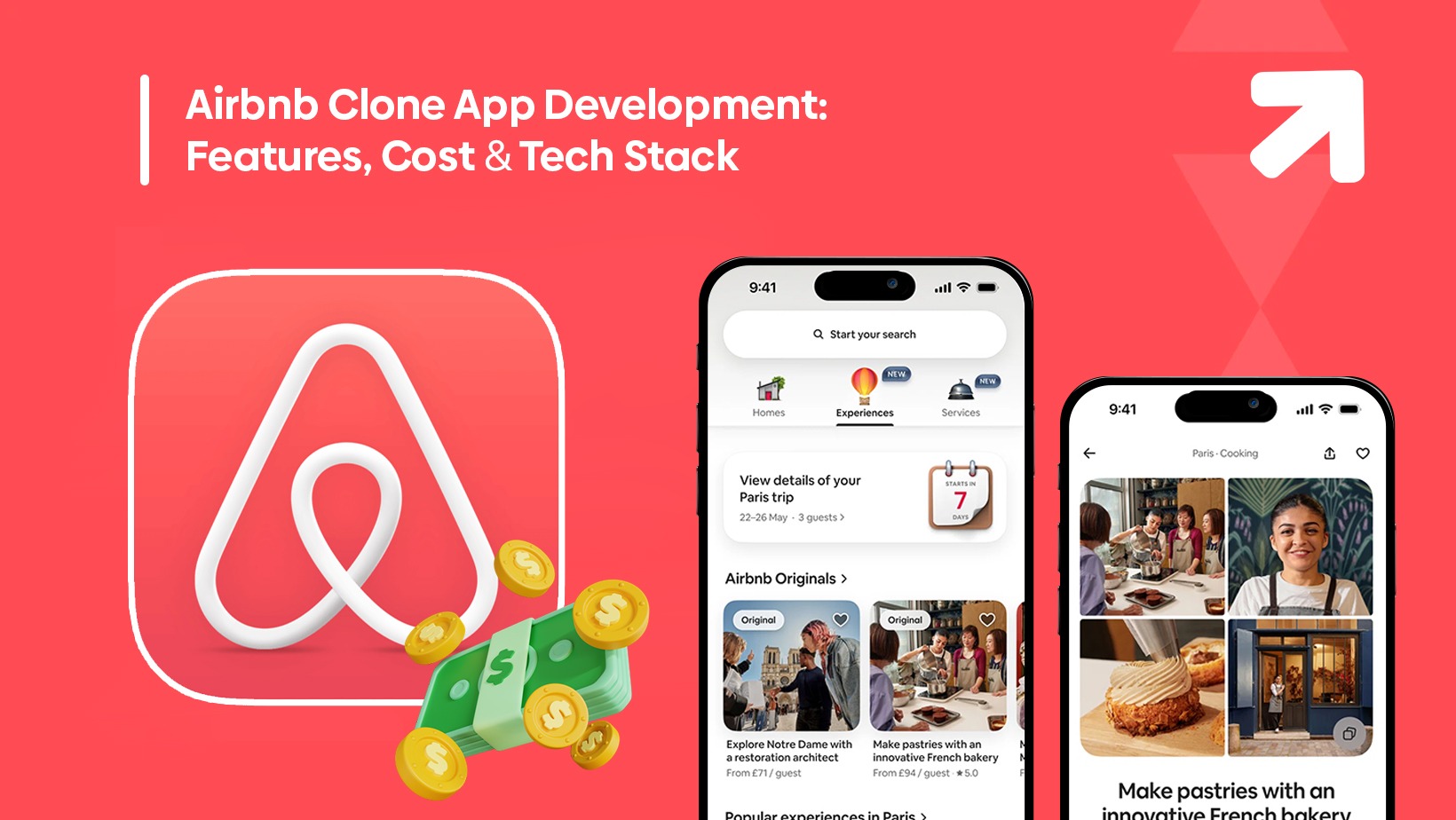
    Airbnb Clone App Development: Features, Cost & Tech Stack

    The vacation rental business in the global world has transformed the way people travel, invest and earn.

    • February 20, 2026
    • By : Fluper Team

    How to Build a Video Chat App Like Chamet in 2026

    The live video chat industry is not slowing down. In reality, it is growing faster
    than ever.

    • February 27, 2026
    • By : Fluper Team

    What Makes Fluper Different?

    Fluper is not an idea but an initiative to bring transformation aided by technology
    Learning with a team of seasoned experts and agile thinkers is a real-life experience.

    16+ Years

    of IT Exposure

    Fast Growth

    50+

    Industries Served

    • 24*7

    • Support &
      Maintenance

    Guaranteed Project
    Delivery – On Time,
    On Budget, Every Time.

    contact us

    Reach Worldwide

    15 Million+

    User Enagagement

    Client's Testimonial

    We’ve been lucky to collaborate and deliver transformation
    with a long list of overseas clients.

    We partnered with Fluper to upgrade the Talabat app, and the experience was excellent. Their team delivered strong technical expertise, clear communication, and timely execution. The updated app is faster, more stable, and provides a smoother user experience, boosting engagement and performance. Fluper is a reliable partner for digital growth.

    Saeed Ahmad
    Product & Delivery Ops, Talabat

    Hello to all my lovely friends and the Fluper family. Wishing you a very happy anniversary! From the bottom of my heart, I wish you great success and a bright future ahead. It’s been a wonderful experience working with you and being treated like family. Keep up the amazing work. Congratulations once again! Your loyal customer.

    Mohammed Zainab
    Co- Founder, Foodora

    We got in touch with Fluper to build an app for my taxi project. It was really tough to choose a perfect partner for my app; however, I found Fluper the best choice. From project coordinators to developers, everyone was so supportive. The team has even gave me a lot of feedback to improvise my idea. It was really great working with them.

    Anthony Tan
    Owner at Grab Taxi App

    We connected with Fluper to design an app for Dubizzle, and choosing them proved to be a great decision. Their team demonstrated strong expertise, creativity, and professionalism throughout the process. They helped elevate our business to the next level with a well-designed, user-friendly app that perfectly matched our vision and goals.

    Maria smith
    Sales Marketing Manager at dubizzle
    Launch your Million Dollar Business Idea Into a Successful Growth Story.
    • Free Marketing

    • 2.5 Year Post Launch Assistance

    • Money Back Guarantee

    • Real-Time tracking & Support

    Schedule Call

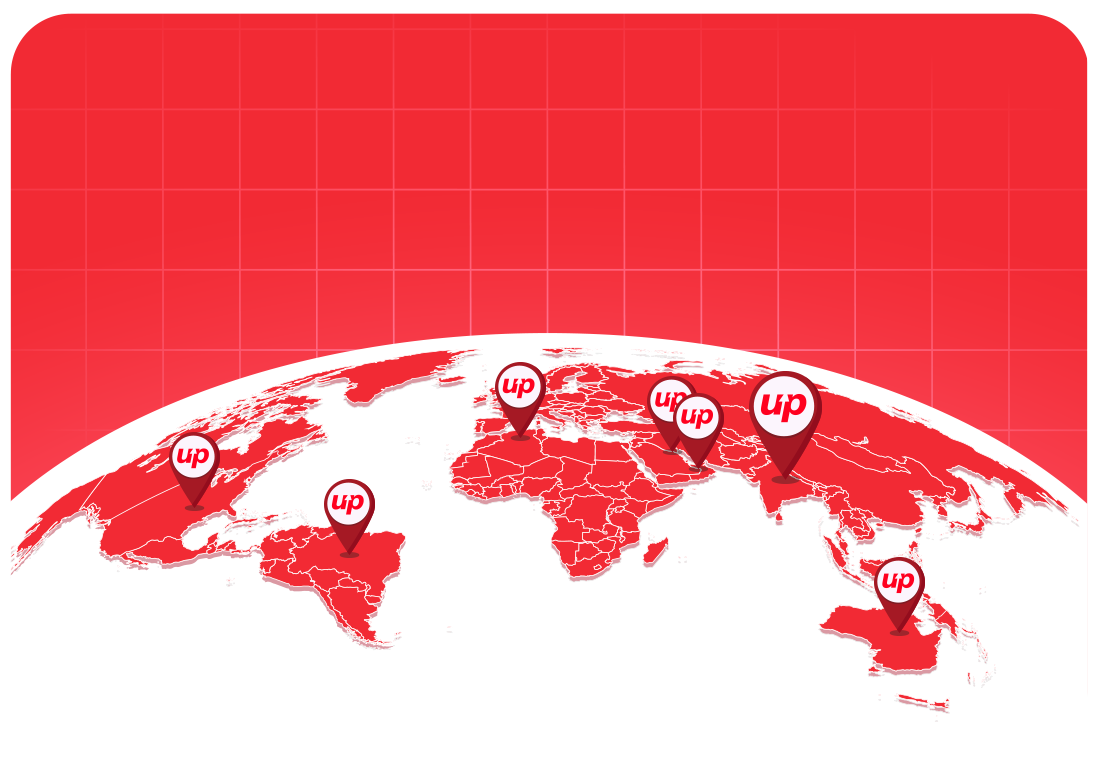
    Our Global Presence

    500+

    Startups

    300+

    SMEs

    200+

    Enterprises

    We Built

    1000+

    Brands Globally

    30+

    Countries Served

    Office Address

    C- 19, 2nd Floor, Sector 63, Noida, Uttar Pradesh 201301

    Call Fluper

    IND: +91-959-955-1432

    Drop An Email

    [email protected]

    Whatsapp Fluper

    Global +91-9599551432

    Office Address

    104 Yes Business Tower, Al Barsha 1 Dubai

    Call Fluper

    UAE: +971-54-700-4175

    Drop An Email

    [email protected]

    Whatsapp Fluper

    Global +971-54-700-4175

    Office Address

    Building 1913 2nd Floor, Manama, Bahrain

    Drop An Email

    [email protected]

    Call Fluper

    Bahrain: +973-33397992

    Whatsapp Fluper

    Global +973-33397992

    Office Address

    Level 23, Collins Square Tower Five, 727 Collins Street Postcode VIC 3008 Melbourne Oceania Australia

    Call Fluper

    Australia: +61-48-8876-434

    Drop An Email

    [email protected]

    Whatsapp Fluper

    Global +971-54-700-4175

    Office Address

    120 High Road, East Finchley London, N29ED, Uk

    Call Fluper

    UK: +44-758-872-1360

    Drop An Email

    [email protected]

    Whatsapp Fluper

    Global +971-54-700-4175

    Office Address

    Laneoffice Suite Sarasota florida US.

    Call Fluper

    US: +1 (478) 280-2868

    Drop An Email

    [email protected]

    Whatsapp Fluper

    Global +971-54-700-4175

    Let's Talk!