16+ Years of Tech Mastery Transforming Ideas into Market Ready Platforms | Discover More Trusted by 1000+ Startups & Enterprises Across 30+ Countries | Discover More


December 21, 2020

What is Google Lens and How Does it Work in Smartphone Applications

Consult Our Experts

Google Lens is an Artificial Information (AI) enabled technology that helps users in exploring the world using just their smartphone camera. As the name suggests, this AI-powered technology was developed by the leading search engine company, Google. This dynamic app is available for free on Google Play Store. You can develop a similar app by hiring a professional android app development company.Web App Development Company

Google Lens uses deep machine learning (ML) for detecting the smartphone camera’s focus on important objects and even offer multiple other functions such as shopping, translation, scanning, etc. This exclusive technology was announced by Google in the year 2017 and initially only Google Pixel had this amazing feature inbuilt in it. Later, Google started to roll out its Google Lens feature for other Android devices as well. Android phones that are installed with an updated version of Google Photos will support the installation and performance of Google Lens.

What functions can Google Lens perform?

Google Lens can perform the following functions:

Translation: Google Lens can be used for translation purposes. You can simply focus the camera on a text and this classic application will translate the same into the language of your choice in real-time.

Smart Text Search: Highlighting a text in Google Lens will enable you to search that particular text using Google Assistant too. This will make it easier for you to understand the meaning of a text or look for a definition of a particular word.

Smart Text Selection: Using Google Lens you can also opt for a smart text selection. You can simply point your smartphone’s camera at a particular text, get it highlighted with the help of Google Lens and then get it copied for using on your smartphone.

Identifying your surroundings: Google Lens can also help you look up around you. Simply point your smartphone’s camera around you and let Google Lens detect your surroundings.

Shopping: Google Lens can also make shopping fun for you. It can identify a product and its similar pieces in real-time.

Android smartphones that are supported by Google can easily access the Google Lens app. Devices like Huawei Mate 30-Pro that are already banned from receiving the Google services will disallow the users from downloading the Google Lens app from the Google Play Store. Fluper being one of the world’s leading android app development company / iOS app development company can help you in developing an AI-powered app similar to Google Lens that can be easily supported in all smartphones.

How Google Lens work in smartphone applications?

Google Lens application can be directly downloaded from the Google Play Store. If you are unwilling to download and install a dedicated Google Lens app but still want to access its unbeatable features then you can definitely explore few other methods too. There is hardly any difference between a Google Lens app and using other methods like Google Assistant, Camera App, and Google Photos. Let’s take a look and understand how Google Lens can be used via other methods in smartphone applications.

Read Also: List Of Best Virtual Reality Apps that Stole Many Hearts

Google Assistant:

If you are using Google Assistant and willing to explore Google Lens in this particular app then you can move ahead by clicking the Google Lens icon smartly placed at the bottom right-hand side. On tapping this icon, you will receive a handful of suggestions to choose from such as adding important events to your personal calendar, ability to call contact numbers without the need to manually type them, and whatnot.

Camera App:

Certain android phones such as Pixel 4 have inbuilt Google Lens in their camera app. You can generally find this feature in the app’s “More” section. However, the placement of this feature might differ from manufacturers to manufacturers.

Google Photos:

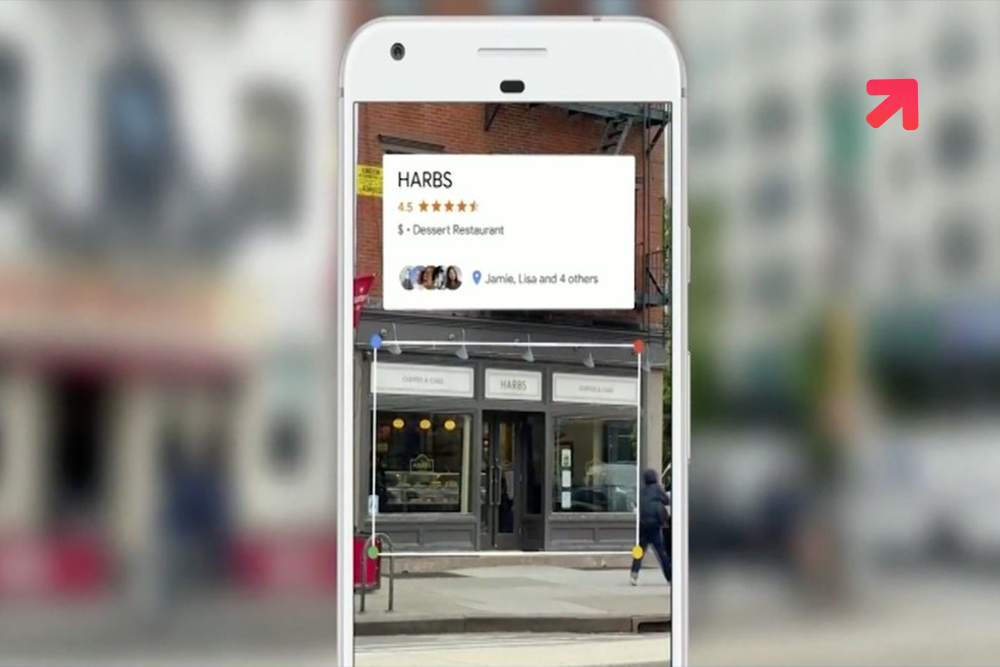
Google Lens can enhance your photo reviewing experience for lifetime. You can receive information pertaining to the directions, opening hours, landmarks, etc of a particular building, restaurant, landmark, and whatnot in real-time using Google Lens feature.

Google Lens is undoubtedly a revolution in the era of technology. If you too wish to develop an image recognition app then consider reach out to a mobile app development company. You must contact an iOS app development company for developing an iOS app and if in case, it is an android app then do get in touch with an android app development company.

Disclaimer

On-Demand App Development

Hire Our Development Experts.

    About Author


    Richa Sharma, COO at Fluper, Perfect blend of beauty, style and intelligence highlighted by sudden sparks of enthusiasm. She leads daily operations and strategic initiatives. Richa collaborates with her team to optimize processes and execute business plans seamlessly.

    Richa Sharma

    Our Blogs & Tech Events

    Expanding Expertise via Global Mobile & Technology Conference Participation

    We attend leading mobile technology events worldwide, exploring innovations, networking with experts, and showcasing our development expertise.

    How Much Does It Cost To Develop An App In Abu Dhabi?

    Mobile apps are vital for businesses in Abu Dhabi, helping customers shop, book services, pay, and connect easily via smartphones.

    • February 16, 2026
    • By : Fluper Team

    Airbnb Clone App Development: Features, Cost & Tech Stack

    The vacation rental business in the global world has transformed the way people travel, invest and earn.

    • February 20, 2026
    • By : Fluper Team

    How to Build a Video Chat App Like Chamet in 2026

    The live video chat industry is not slowing down. In reality, it is growing faster
    than ever.

    • February 27, 2026
    • By : Fluper Team

    What Makes Fluper Different?

    Fluper is not an idea but an initiative to bring transformation aided by technology
    Learning with a team of seasoned experts and agile thinkers is a real-life experience.

    16+ Years

    of IT Exposure

    Fast Growth

    50+

    Industries Served

    • 24*7

    • Support &
      Maintenance

    Guaranteed Project
    Delivery – On Time,
    On Budget, Every Time.

    contact us

    Reach Worldwide

    15 Million+

    User Enagagement

    Client's Testimonial

    We’ve been lucky to collaborate and deliver transformation
    with a long list of overseas clients.

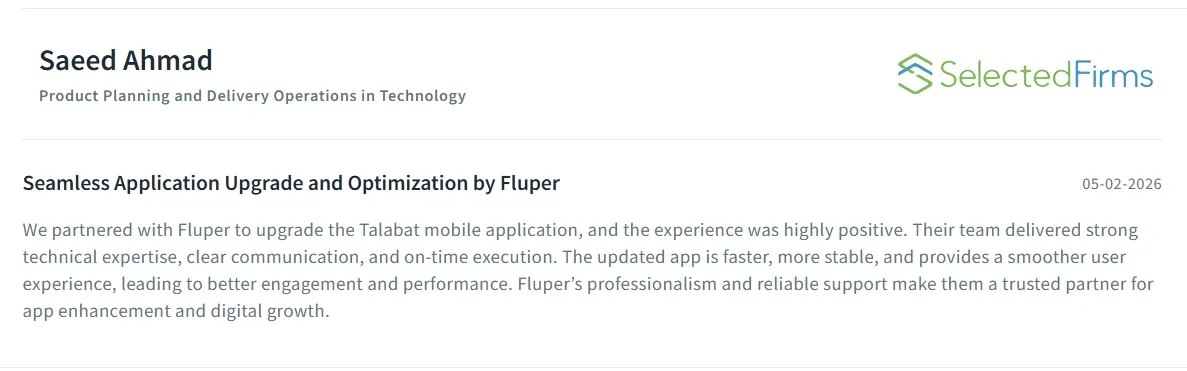
    We partnered with Fluper to upgrade the Talabat app, and the experience was excellent. Their team delivered strong technical expertise, clear communication, and timely execution. The updated app is faster, more stable, and provides a smoother user experience, boosting engagement and performance. Fluper is a reliable partner for digital growth.

    Saeed Ahmad
    Product & Delivery Ops, Talabat

    Hello to all my lovely friends and the Fluper family. Wishing you a very happy anniversary! From the bottom of my heart, I wish you great success and a bright future ahead. It’s been a wonderful experience working with you and being treated like family. Keep up the amazing work. Congratulations once again! Your loyal customer.

    Mohammed Zainab
    Co- Founder, Foodora

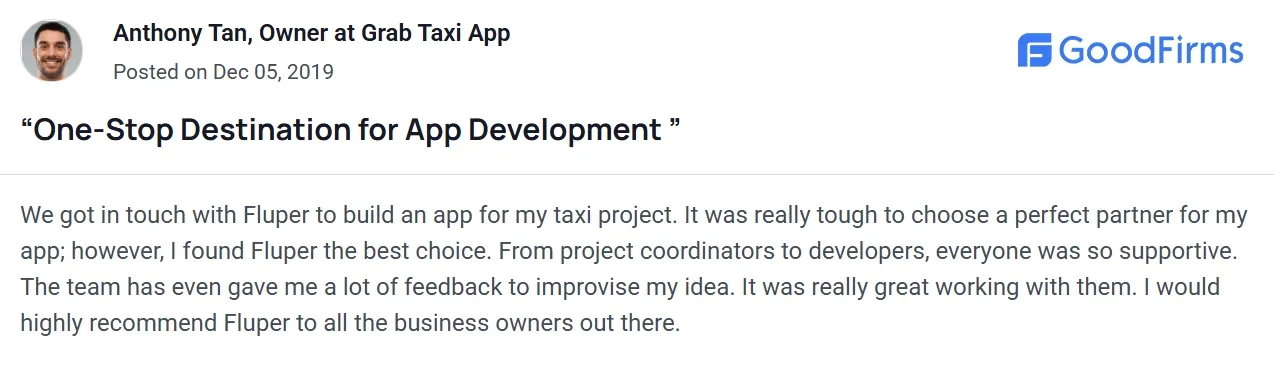
    We got in touch with Fluper to build an app for my taxi project. It was really tough to choose a perfect partner for my app; however, I found Fluper the best choice. From project coordinators to developers, everyone was so supportive. The team has even gave me a lot of feedback to improvise my idea. It was really great working with them.

    Anthony Tan
    Owner at Grab Taxi App

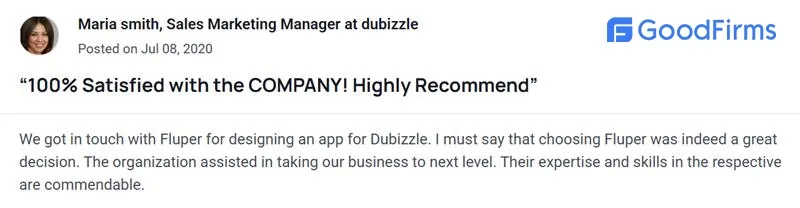
    We connected with Fluper to design an app for Dubizzle, and choosing them proved to be a great decision. Their team demonstrated strong expertise, creativity, and professionalism throughout the process. They helped elevate our business to the next level with a well-designed, user-friendly app that perfectly matched our vision and goals.

    Maria smith
    Sales Marketing Manager at dubizzle
    Launch your Million Dollar Business Idea Into a Successful Growth Story.
    • Free Marketing

    • 2.5 Year Post Launch Assistance

    • Money Back Guarantee

    • Real-Time tracking & Support

    Schedule Call

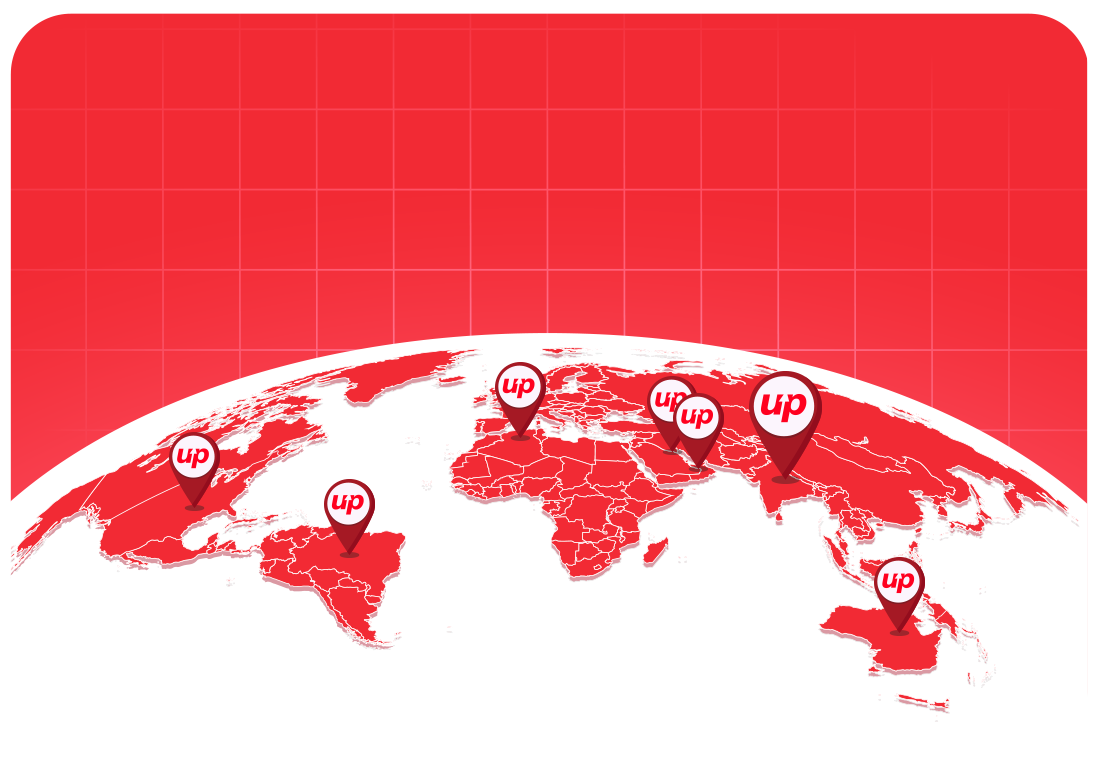
    Our Global Presence

    500+

    Startups

    300+

    SMEs

    200+

    Enterprises

    We Built

    1000+

    Brands Globally

    30+

    Countries Served

    Office Address

    C- 19, 2nd Floor, Sector 63, Noida, Uttar Pradesh 201301

    Call Fluper

    IND: +91-959-955-1432

    Drop An Email

    [email protected]

    Whatsapp Fluper

    Global +91-9599551432

    Office Address

    104 Yes Business Tower, Al Barsha 1 Dubai

    Call Fluper

    UAE: +971-54-700-4175

    Drop An Email

    [email protected]

    Whatsapp Fluper

    Global +971-54-700-4175

    Office Address

    Building 1913 2nd Floor, Manama, Bahrain

    Drop An Email

    [email protected]

    Call Fluper

    Bahrain: +973-33397992

    Whatsapp Fluper

    Global +973-33397992

    Office Address

    Level 23, Collins Square Tower Five, 727 Collins Street Postcode VIC 3008 Melbourne Oceania Australia

    Call Fluper

    Australia: +61-48-8876-434

    Drop An Email

    [email protected]

    Whatsapp Fluper

    Global +971-54-700-4175

    Office Address

    120 High Road, East Finchley London, N29ED, Uk

    Call Fluper

    UK: +44-758-872-1360

    Drop An Email

    [email protected]

    Whatsapp Fluper

    Global +971-54-700-4175

    Office Address

    Laneoffice Suite Sarasota florida US.

    Call Fluper

    US: +1 (478) 280-2868

    Drop An Email

    [email protected]

    Whatsapp Fluper

    Global +971-54-700-4175

    Let's Talk!